
DM First Account Security 2026: How to Keep Your Account Safe
Last updated: 26 September 2026 | Reading time: 8 minutes
DM First account security is your responsibility. The platform provides SSL encryption, OTP verification, and secure payment gateways. But your password, your OTP, and your login habits matter just as much. This page shows you exactly how to keep your account safe.
Read this fully. It takes five minutes. But it can save you a lot of money.
DM First Platform Security Features
DM First already has strong security in place. Here is what the platform does to protect you:
- 256-bit SSL encryption. All data between your phone and DM First servers is encrypted.
- OTP verification. Used during registration and password reset.
- Secure payment gateway. UPI, Paytm, and USDT transactions use bank-grade security.
- Single-session login. Only one device can be logged in at a time.
- Google Play Protect certified APK. Regular malware scans.
- Fair RNG. Game results cannot be manipulated.
These are solid. But you have to do your part too.
What You Must Do to Stay Safe
1. Use a Strong Password
A good password is 10 characters or longer. It has capital letters, small letters, numbers, and symbols. Example: Dmfirst@2026#Safe
Never use "123456", "password", or your name. Hackers try these first.
2. Never Share Your OTP
This is the most important rule. No matter who asks, never share your OTP. Not with customer support. Not with a "bank officer." Not with anyone on WhatsApp or Telegram.
DM First will never call you asking for OTP. If someone does, they are scamming you.
3. Never Share Your Password
DM First staff never ask for your password. If someone asks, they are not from DM First. Even if they claim to be "verifying your account."
4. Only Use the Official App
Download the APK only from the official DM First platform. Never install APKs sent by WhatsApp, Telegram, or email. These can contain malware. Read our DM First app download page for safe installation steps.
5. Avoid Public WiFi
Public WiFi networks are not safe for money apps. If you must use public WiFi, do not login. Use mobile data instead.
6. Logout from Shared Devices
Always logout when using a friend's phone or a shared computer. Do not leave your account logged in.
7. Change Password Every 3-6 Months
Regular password changes reduce the risk of a leak. If any other app you use leaks its passwords, your DM First account stays safe if the password is different.
Common DM First Scams to Avoid
Fake Support Calls
Someone calls you and says they are from DM First support. They ask for OTP, password, or ask you to install an app. This is a scam. Real support never calls.
Fake WhatsApp Groups
You get added to a WhatsApp group claiming to be "DM First Official." They share fake APK links. Do not click. Only download from the official platform.
Fake Winning Messages
You get a message saying you won a big prize. They ask you to pay a small fee to claim it. This is always a scam. DM First never charges to give you winnings.
Fake Websites
Fake websites look almost identical to DM First. They use similar URLs. Always check the domain before entering your login details.
What to Do If Your Account Is Hacked
- Change your password immediately. If you can still login, do this first. If you cannot, use the "Forgot Password" option.
- Logout from all devices. Password reset automatically logs out all sessions.
- Check your transaction history. Look for unauthorized withdrawals or deposits.
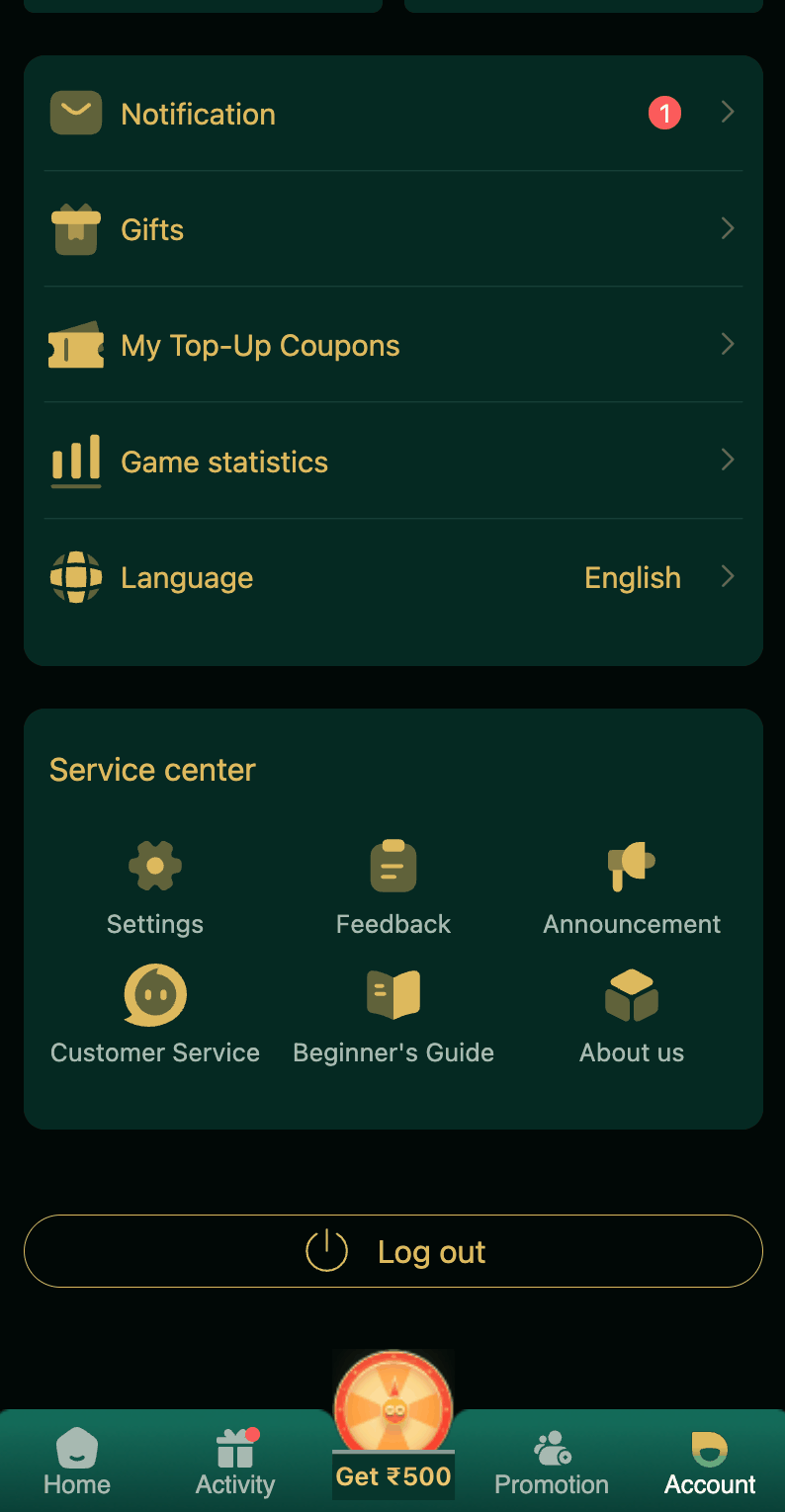
- Contact DM First support. Open the app. Tap Account. Tap Customer Service. Report the issue immediately.
- Provide your UID. Your user ID helps support find your account faster. Read our DM First customer support page.
- Change password on other apps too. If you used the same password elsewhere, change it there as well.
New to DM First?
Register with invite code 94955187072 and get ₹120+ welcome bonus. Follow our security guide from day one.
Register with Invite CodeHow to Check Your Account Activity
Regular checks help you spot problems early:
- Open the DM First app.
- Tap Account.
- Tap Transaction.
- Review every deposit and withdrawal.
- Tap Game History to check your bets.
- If anything looks wrong, contact support immediately.
Password Best Practices
| Good Practice | Why It Works |
|---|---|
| Use 10+ characters | Longer passwords take years to crack |
| Mix letters, numbers, symbols | Makes the password harder to guess |
| Different password for each app | If one leaks, others stay safe |
| Do not use personal info | Names and birthdays are easy to guess |
| Change every 3-6 months | Old passwords can get leaked |
Frequently Asked Questions About DM First Account Security
1. How do I keep my account safe?
Strong password. Never share OTP. Use only the official app. Do not use public WiFi.
2. What if my account is hacked?
Change password immediately. Contact support with your UID and transaction history.
3. Does DM First have two-factor authentication?
OTP is used for registration and password reset. That acts as a form of 2FA.
4. Can DM First staff access my account?
No. They can view activity but cannot access your password or withdraw money.
5. How often should I change my password?
Every 3-6 months. Also immediately if you suspect a breach.
6. Will DM First ever call me?
No. DM First never calls users. Anyone calling and claiming to be support is a scammer.
7. What if I get a suspicious message?
Do not click any links. Do not share any details. Report it to support. Read our DM First customer support page.
8. Is it safe to login on the app?
Yes, if it is the official DM First app. Read our DM First app download page.
Final Words
DM First account security depends on both the platform and you. The platform does its part. You need to do yours. Strong password. Safe login habits. Never share OTP or password. Use only the official app.
Check your account activity weekly. Report suspicious activity immediately. Follow the rules above and your account will stay safe.
Secure Your Account Today
Register with code 94955187072 and start with strong security habits.
Register Safely